Making a Smart Home (Part 2)

A few weeks have passed, and I wanted to share my experience of making more things in my smart home, "Smart". One of the problems is that my fan at home is using IR Controls, which makes it harder to use with a Smart Home. However, since I was using Home Assistant as my Smart Home Controller, I could easily buy an IR Blaster to control the fan. After spending about an hour searching for compatibility, I landed on this IR Blaster by Broadlink.
After I bought the IR blaster, I set it up, and there were numerous pre-built remote controls available within the IR Blaster native app for me to use to control devices like my TV and air conditioner. But, there was just one problem.
Problem #1
They did not have a pre-built remote for my dumb IR-controlled fan.
Solution for Problem #1
I manually created a remote in the IR Blaster native app to control my fan by emitting the IR signal from the original fan remote to the IR Blaster, allowing it to learn the signal. Yay! Problem Solved.
Problem #2
I didn't do enough research and realised that when I linked my IR Blaster to Home Assistant, the remote controls do not get transferred to Home Assistant. That left me with an IR Blaster in Home Assistant, and that's it.
Solution for Problem #2
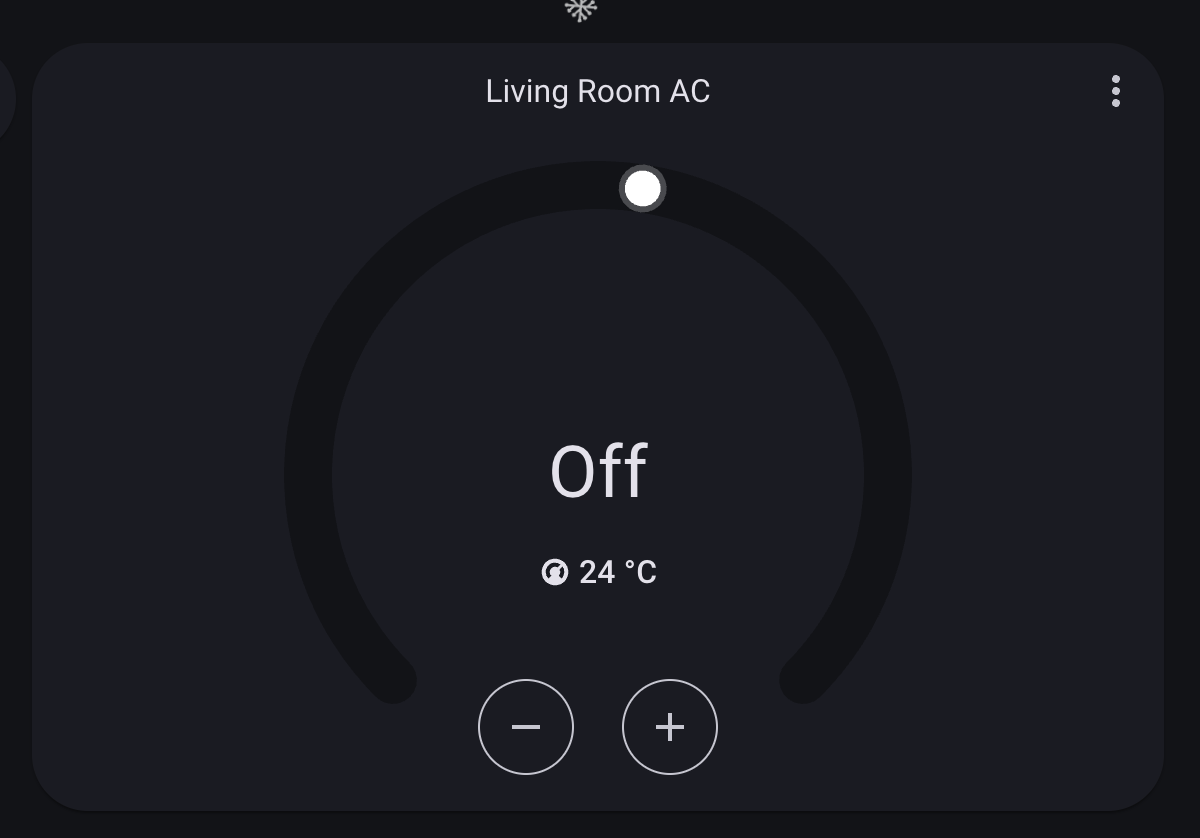
Thankfully, this GitHub Repository came in to save the day: https://github.com/smartHomeHub/SmartIR. This GitHub repository is a Home Assistant Community Store add-on that I could easily install into Home Assistant, which I, of course, installed. Then, I went into Devices in Home Assistant to get the IR Blaster Entity ID, which was remote.zhi_neng_yao_kong (Note that if you are doing this, the entity ID may be different). After that, I went into the configuration.yaml file to put in this code
smartir:
climate:
  - platform: smartir
    name: Living Room AC
    unique_id: living_ac
    device_code: 1133
    controller_data: remote.zhi_neng_yao_kong
I reloaded the YAML configuration in Home Assistant, and that's it, I finally had an AC Remote Control in Home Assistant. After that, I went into Settings -> Devices & Integration -> Add Integration -> Apple -> HomeKit Bridge -> Climate. I then managed to link my IR Blaster-controlled AC to my Apple Home App, which allowed me to control my air conditioner via Home Assistant, Home App, and Siri (on both my phone and HomePod).