From Scratch to Production: Developing a Service Hours Management Portal with React
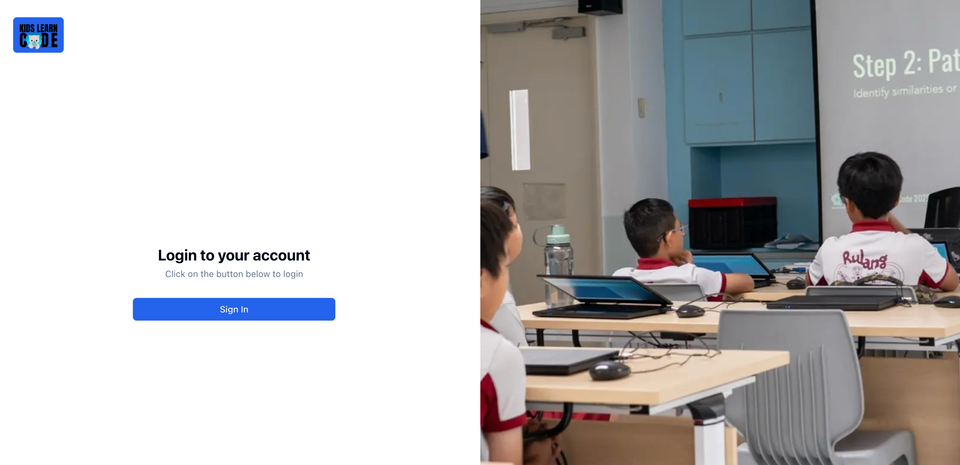
Working at Kids Learn Code, I realised a major problem. We had been managing every person’s service hours using an Excel spreadsheet, which was slow, inefficient, and time‑consuming. Initially, we considered a and other services solution: creating a form and asking volunteers to submit it to log their work. However, there was one major issue: we still had to manually review each entry, which became very tedious for larger events. In addition, the form did not allow volunteers to track the total service hours they had accumulated.
What did I create?
I created a KLC Portal where students can log their service hours under a department, workshop, or other category. If the service hours are logged under a department or workshop, the admins in charge of that department or workshop, as well as the global admin, can approve the requests. If the hours are logged under “other”, only the global admin can approve them. Once a request is approved, the service hours are automatically credited to the user’s profile. If there is an error, a global admin can reverse the change in the user’s profile. An email service has also been integrated into these processes, so users are informed when their requests are approved or rejected.
Meetings
When planning workshops or conducting departmental work, meetings are inevitable, and attendance must be recorded to track who attended and to award volunteers their service hours. To streamline this process, the system now automates the following steps: during a meeting, volunteers simply scan a QR code, enter a one-time password (OTP), and mark their attendance while claiming their service hours. This is very fast and efficient. If a volunteer is unable to scan the QR code, the meeting organiser can manually mark their attendance.
Core Architecture
Authentication & Authorisation Layer
- I used the Clerk Integration
currentUser()for authentication across all pages and API routes. - There is a three-tier authorisation system (root admin > scoped admin > member)
- Status validation to check if a user is active before granting access.
Data Layer Architecture
- PostgreSQL Database with core tables such as users, admins, departments, and workshops
- Redis Caching with cache-aside pattern with namespace isolation using bracket notation (e.g. WORKSHOP[{id}])
- Cache invalidation to invalidate cache on write operation to make sure data is as accurate as possible.
Application Structure
- Server Components are the default rendering strategy for pages with server-side data fetching
- Client components are used for interactive UI elements such as popovers, dialogues, forms and dynamic content
API Architecture
- RESTful Endpoints: Organised by features such as (service-hours, departments, workshops, requests)
- Each API route has an authorisation check with Clerk that uses the user's session cookies. This is to validate user permissions before processing
- Error responses are used with HTTP Status Codes for better error handling
The experience of developing the KLC Portal has taught me many skills, such as considering scalability before writing any code. The code's structure leaves a big room for the system to grow, supporting many more users over time.
I have also learnt to use Redis caching so that the server does not always need to query the database, which improves the efficiency and responsiveness of the website.
On the website, I tried to stick to server-side rendering as much as possible so that I don't have to expose many APIs on the client-side. This significantly improved the website's security and user experience, as users no longer have to wait for data to load after the website loads.
The experience of developing this website has been incredibly fulfilling, and I am eager to expand its reach and capabilities in 2026. The Core Team members of Kids Learn Code have already been registered on the website, and I am hoping to launch it fully in 2026. This platform will hopefully be utilised in workshops and across all departments.
Alongside this, I have also set up an Identity Provider for Kids Learn Code, which volunteers can use to authenticate into this portal, our forms service, and other services via SSO. This makes it less confusing for the volunteers, as they have fewer passwords to remember, and they do not need to keep track of whether they should use their KLC Email or their personal email.
Member discussion